
Download Classroom Live APK – online learning, virtual classroom, live class, student portal, teacher tools, school management, education app, e-learning platform, digital classroom, distance learning
Overview
Classroom Live is a free-to-download education and reference tool designed for students, teachers, and school management. The application serves as a virtual classroom platform, enabling live, interactive online sessions that support distance learning and flexible education delivery. It allows registered users to participate in real-time classes without the need to manage multiple links or platforms, streamlining the digital learning experience.
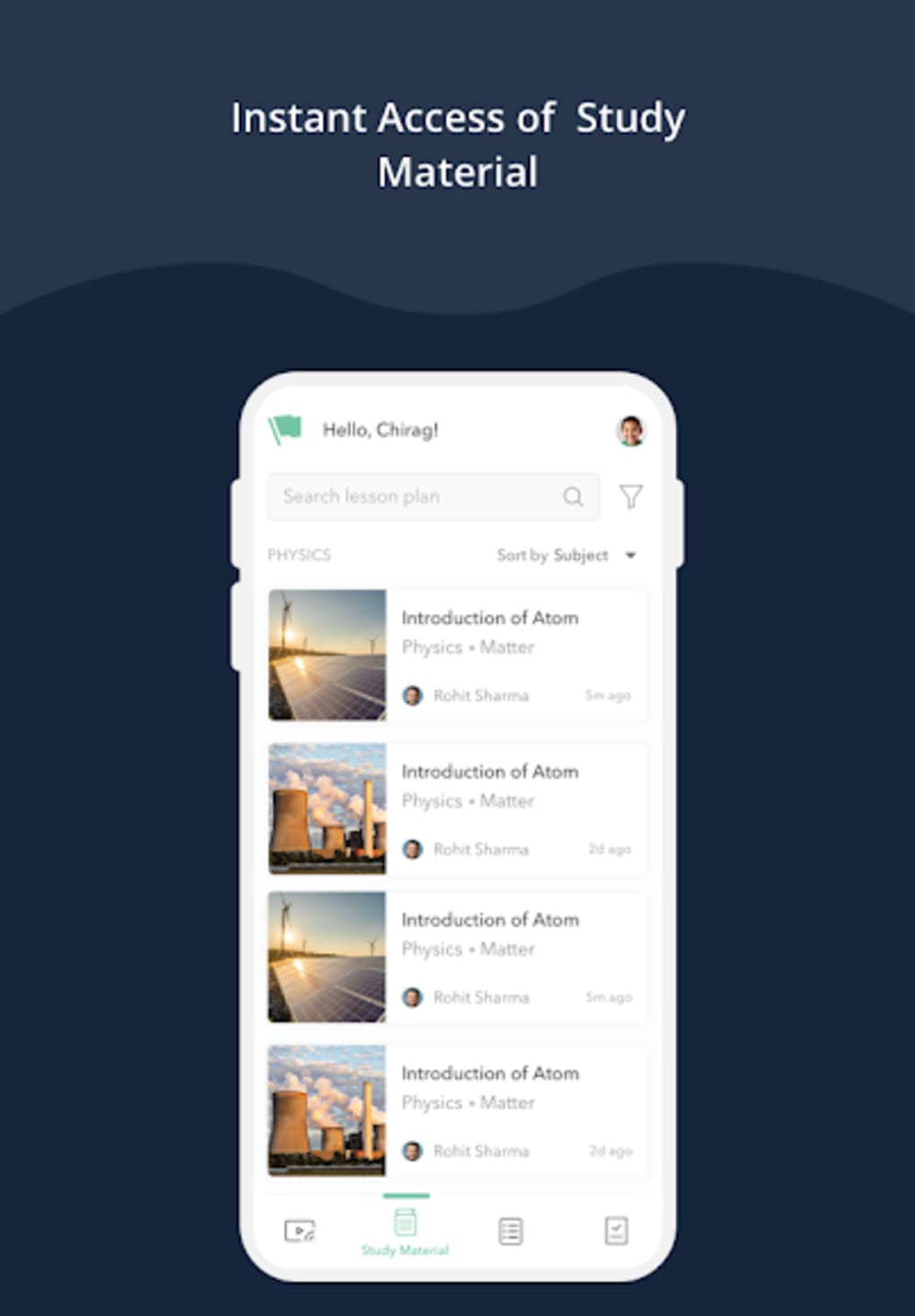
The platform supports content delivery through interactive presentations, embedded videos, web links, and images, making lessons more engaging and accessible. Students gain 24/7 access to recorded sessions and study materials, promoting self-paced learning and review. Teachers can assign tasks, monitor attendance, and generate performance reports, while administrators receive real-time analytics on class activity and educator performance.
This makes Classroom Live suitable for academic institutions seeking a centralized solution for online instruction and administrative oversight. The developer did not provide additional details about their background or organizational affiliation. The software operates on Android, with a lightweight installation size of 22 MB, suggesting it is optimized for mobile use.
Real-world scenarios include remote classes, hybrid learning models, and institutional management of digital education workflows.
Key Features & Capabilities
- Live Virtual Classrooms – Enables real-time, interactive sessions where students and teachers can engage simultaneously, reducing logistical complexity compared to using multiple meeting links.
- Automatic Session Recording – All live classes are recorded automatically, allowing students to review content at any time, supporting revision and accessibility for those with scheduling conflicts.
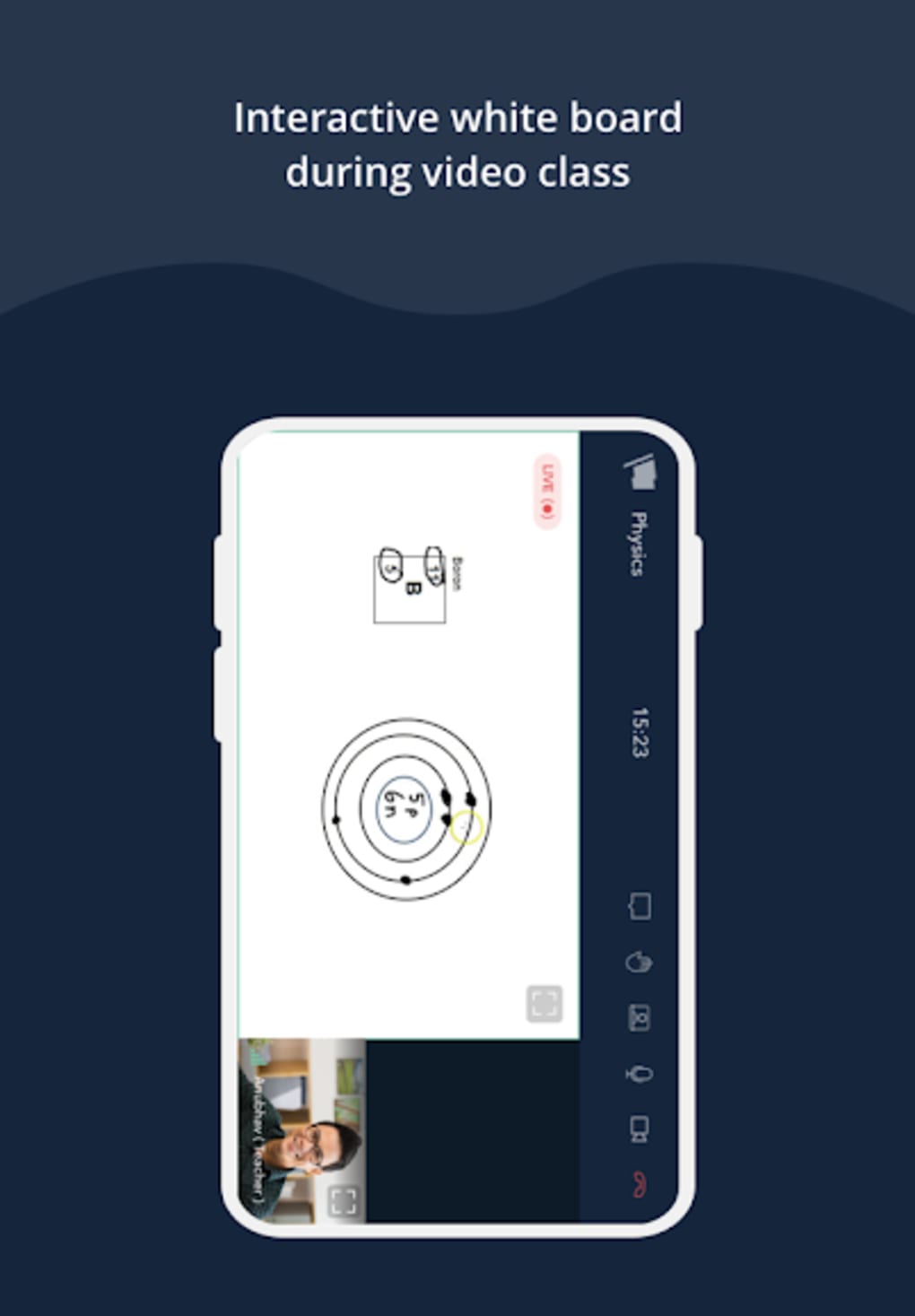
- Interactive Presentation Tools – Teachers can create dynamic lessons using embedded multimedia such as YouTube videos, web URLs, and images to enhance student engagement.
- Attendance Tracking – The platform generates attendance reports during live sessions, offering a foundational tool for monitoring student participation.
- Assignment & Assessment Integration – Educators can distribute and collect assignments directly within the application, simplifying workflow for both teachers and students.
- Hand Raise Feature – Students can signal for assistance or questions during live sessions, promoting inclusivity and real-time interaction.
- Real-Time Analytics for Management – School administrators receive detailed reports on teaching performance and student activity, supporting data-driven decision-making.
These features collectively support a comprehensive digital classroom experience. For example, a teacher can conduct a live lecture with embedded video content, track who attended, assign follow-up work, and later review class analytics. Similarly, a student can access a recorded session, submit an assignment, and participate in discussions without leaving the platform. The integration of multiple functions into a single environment reduces fragmentation and improves usability for all stakeholders in the education ecosystem.
User Interface, Workflow & Performance
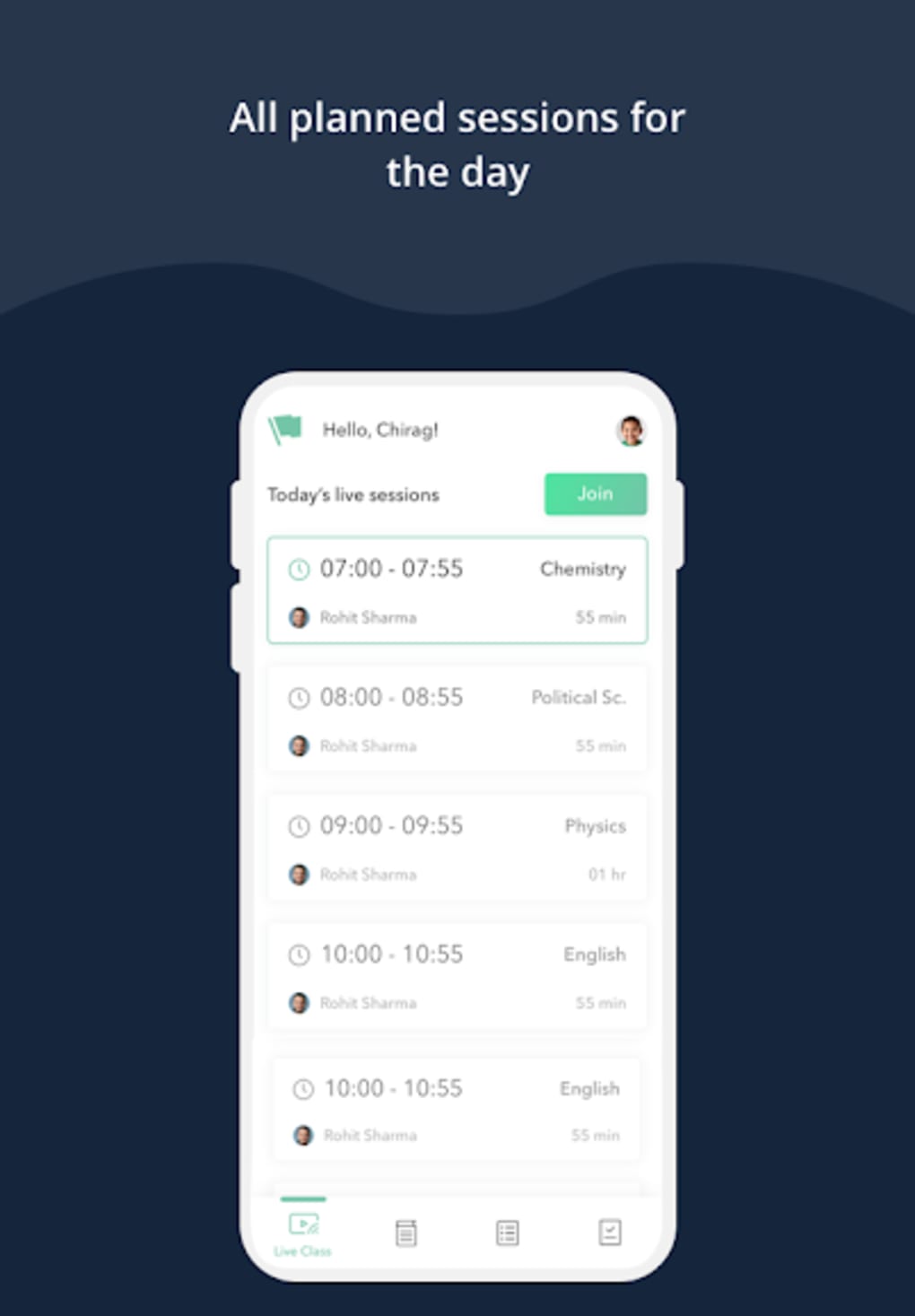
The user interface of Classroom Live appears to be structured around core educational functions, with navigation likely centered on class access, session schedules, and content libraries. The workflow is designed to support a linear progression from joining a live session to accessing recorded materials and submitting assignments. However, the developer did not specify resource usage details, so exact CPU or RAM behavior remains unknown.
Performance observations are based on general software behavior patterns. Reports indicate that the mobile application experiences lag and occasional crashes, particularly during live sessions. Some users have noted delays in attendance report generation, which may affect real-time monitoring.
The interface is described as outdated and not very intuitive, suggesting potential usability challenges for new users. Despite these concerns, the core functionalities—such as joining a live class, viewing materials, and submitting work—appear to be operational. Stability during extended use has not been verified.
The application’s lightweight size of 22 MB indicates a minimal footprint, which may help in reducing load time on lower-end devices, though this does not compensate for performance issues in execution.
Compatibility & System Requirements
Classroom Live is designed for Android operating systems and is available in version 2.0.1. The installation size is 22 MB, indicating a compact footprint suitable for devices with limited storage. The developer did not provide additional system requirements, such as minimum RAM, processor specifications, or Android version compatibility.
Compatibility information was partially provided, and exact hardware or OS version needs remain unclear. Users are advised to ensure their device meets standard Android app requirements to avoid installation or runtime issues. While the application is free and accessible to a broad audience, the lack of detailed system specifications may hinder users with older or less common devices.
It is recommended to check device compatibility before downloading. The absence of information on support for other platforms like iOS or desktop environments limits the scope of available access points.
Pros and Cons
Pros
- Free to download and use, reducing barriers to entry for educational institutions and individuals.
- Centralized platform for live classes, assignments, recordings, and attendance tracking.
- Supports multimedia integration for richer, more engaging lessons.
- 24/7 access to recorded sessions and study materials for students.
- Provides real-time analytics for school administrators to monitor performance.
Cons
- Mobile application performance is reported to be poor, with lag and frequent crashes.
- Attendance reports are often delayed, affecting real-time monitoring.
- Interface is outdated and lacks intuitive navigation.
- Limited feature set compared to established platforms like Google Classroom or Moodle.
- Lack of detailed system requirements and platform support beyond Android.
FAQ Section
Is Classroom Live available for iOS devices?
The current release is only available for Android. No information was provided about iOS compatibility or future plans for other platforms.
Is Classroom Live safe to download and use?
Classroom Live is a free app available through official Android channels. As with any third-party application, users should ensure they download from trusted sources to avoid security risks. The developer did not provide explicit security or privacy policies.
Does Classroom Live require a subscription to access all features?
The application is free to download and use. However, certain teaching services or advanced features may require payment, though specific details were not disclosed.
Can I use Classroom Live offline?
Core functionality such as viewing recorded sessions and accessing saved materials may be available offline, but live class participation requires an active internet connection. The extent of offline capabilities was not specified.
How often are updates released for Classroom Live?
Version 2.0.1 was released on May 15, 2024. No information was provided about the update frequency or patching schedule for bugs and performance improvements.
Final Thoughts + CTA
Classroom Live presents a compelling vision for modern, accessible education by offering a unified platform for live teaching, student engagement, and institutional oversight. Its ability to centralize virtual classrooms, recordings, assignments, and analytics makes it a viable tool for schools adapting to digital learning. However, significant performance issues in the mobile application—such as lag, crashes, and delayed reports—undermine its reliability and user experience.
The outdated interface and limited feature set further reduce its competitiveness against established e-learning platforms. Despite these shortcomings, the app’s free model and broad functionality offer tangible value for educators and students seeking a lightweight, all-in-one solution. With targeted improvements in performance, interface design, and feature expansion, Classroom Live could evolve into a leading tool in the digital education space.
For now, it remains a promising but imperfect option. Download Classroom Live now.






.png)
